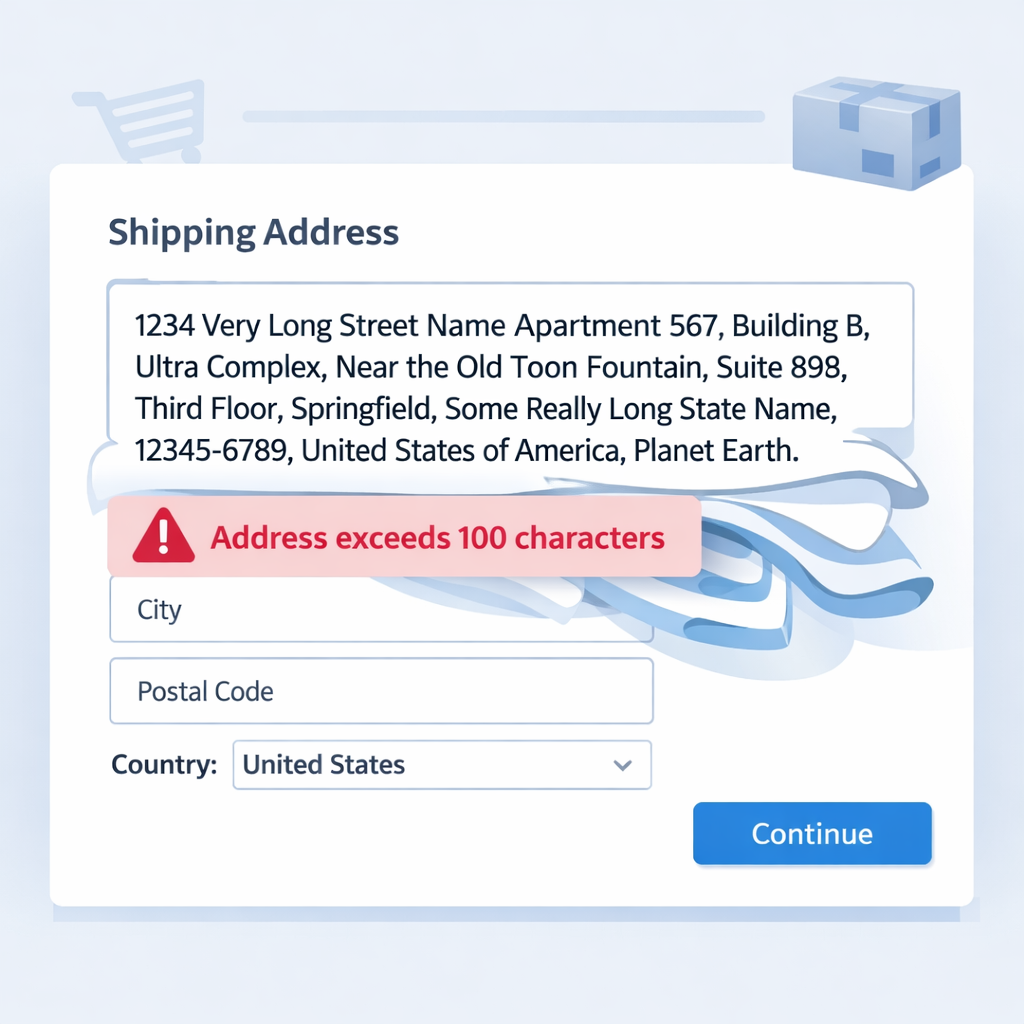
An article to note something I didn't realize I needed: How to address the above error and how to update a Shipping Address for a specific Sales Order in Zoho Books.
Why?
You might think the following request to create a Sales Order in Zoho Books would be enough:
{
  "date": "2021-09-08",
  "zcrm_potential_id": "123456789012345678",
  "currency_code": "GBP",
  "reference_number": "Salespersons Test Reference",
  "terms": "These are our test terms and conditions",
  "customer_id": "234567890123456789",
  "payment_terms": 30,
  "salesperson_id": "345678901234567890",
  "line_items": [
    {
      "item_id": "456789012345678901",
      "discount": 0,
      "quantity": 1,
      "description": "A test product description"
    }
  ],
  "shipping_address": {
    "address": "Test Street",
    "street2": "Test Street 2",
    "city": "Test City",
    "state": "Test State",
    "zip": "Test Postal Code",
    "country": "Test Country"
  }
}Please ensure that the shipping_address has less than 100 characters.
How?
If you get the above error, the community forums will advise you to get the ID of the Shipping Address... But let's say I don't know how to create a shipping address and retrieve its ID then here's the method I use:
- Create the sales order in ZohoBooks (either in Zoho Deluge or however you're doing it), then
- Retrieve the ID of the created Sales Order (captured in response)
- Update the Shipping Address on the Sales Order in Zoho Books using the API
The following is the code template I use but you will need to adapt it for your own system:
// init (specify your own organization ID for Zoho Books)
v_BooksOrgID = 20210922122;
m_BooksCreateSO = Map();
// get CRM record details
r_SoDetails = zoho.crm.getRecordById("Sales_Orders", 012345678901234567);
// build up your map to send to ZohoBooks to create the Sales Order
m_BooksCreateSO.put("date",zoho.currentdate);
//
// push to ZohoBooks
r_CreateSO = zoho.books.createRecord("salesorders",v_BooksOrgID,m_BooksCreateSO,"ab_books");
// output response
info r_CreateSO;
// read response
if(!isnull(r_CreateSO.get("salesorder")))
{
	v_SalesOrderID = r_CreateSO.get("salesorder").get("salesorder_id");
	//
	v_AddressIndex = 0;
	m_ShippingAddress = Map();
	// set field api names that we will read from and write to
	l_CrmShippingAddress = {"Shipping_Street","Shipping_Street_2","Shipping_City","Shipping_State","Shipping_Code","Shipping_Country"};
	l_BooksShippingAddress = {"address","street2","city","state","zip","country"};
	// loop through the CRM Sales Order address fields and build map of address to Books
	for each  v_AddressPart in l_CrmShippingAddress
	{
		m_ShippingAddress.put(l_BooksShippingAddress.get(v_AddressIndex),ifnull(r_SoDetails.get(v_AddressPart),""));
		v_AddressIndex = v_AddressIndex + 1;
	}
	// check that there was something to actually update rather than wasting an API call
	if(m_ShippingAddress.size() > 0)
	{
		// endpoint TLD is EU for Europe DC and COM for US DC
		v_Endpoint = "https://www.zohoapis.eu/books/v3/salesorders/"+v_SalesOrderID+"/address/shipping?organization_id=" + v_BooksOrgID;
		// saw this in the documentation example so will hopefully do what it says
		m_ShippingAddress.put("is_one_off_address",true);
		m_ShippingAddress.put("is_update_customer",false);
		// send the request via API (change connection name to your own)
		r_UpdateSO = invokeurl
		[
        	url: v_Endpoint
            type: PUT
            parameters: m_ShippingAddress.toString()
            connection: "joels_connector"
		];
		info r_UpdateSO;
	}
}
Source(s):
Discussion
Comments
Questions, corrections and useful additions are reviewed before appearing here.
Discussion Newest first
No comments yet. Start the discussion.