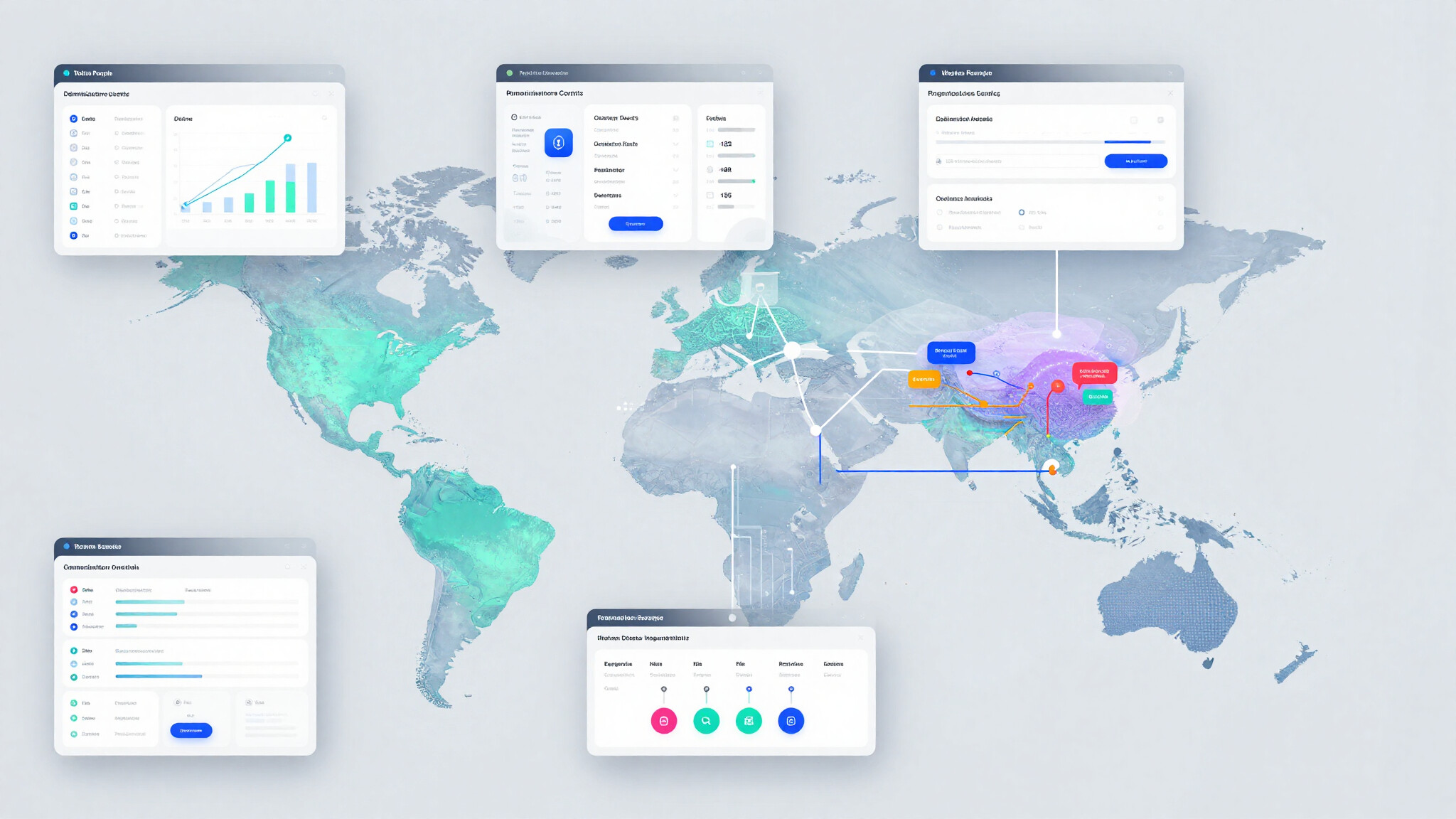
Zoho People Analytics Regional Configuration
- Category: Zoho People
- Hits: 1167
This is an article to document how to configure Zoho People and Zoho Analytics so that reporting teams can access analytics data restricted by region. It explains how to separate global HR access from regional reporting access, how to prevent users from viewing employee or payroll data outside their area of responsibility, and how to structure workspaces, dashboards, and data imports to support this model in a controlled and repeatable way.
Why?
The use-case here is a globally operating organisation with regional HR teams who must only be able to access data for the regions they are responsible for. HR users need to view advanced analytics dashboards through Zoho People as part of their daily work, while remaining restricted when accessing Zoho Analytics directly, and reporting teams require analytical access without exposure to data outside their assigned regions.
How?
So as a high-level this document will cover the following:
- Configure Zoho People and Zoho Analytics access
- Restrict the Dashboards for HR staff.
- Create restricted Workspaces for MI teams (reporting staff).
Zoho People: Get Performance Records over API
- Category: Zoho People
- Hits: 30168
Took us a while to find this and perhaps others would have a quicker way but here's the instructions on getting the records from the performance module in Zoho People API.
Why?
Cos it took us a while. The online forums seem to go back over a decade and the documentation seems to have gaps; or simply modules are so custom/bespoke the documentation has started to genericize.
My client has seen the Goals or Objectives report under "Organization Reports" but would like some additional fields/columns added to it. Turns out, it's a system report you can't change. Enter Zoho Analytics... well almost, Analytics will sync with Zoho People but I wasn't able to select the performance modules (Client Review and Placement Tech Survey having been disabled)...
How?
So this might seem obvious but after trying to scan the meta data (snippets at the bottom of this article), the simplest way was right in front of us. We're going to use the interface to find the form where staff have been entering employees goals, then we're going to query it and push it to Zoho Analytics.
Zoho People: Reject an Application for Leave in Deluge based on Criteria
- Category: Zoho People
- Hits: 66034
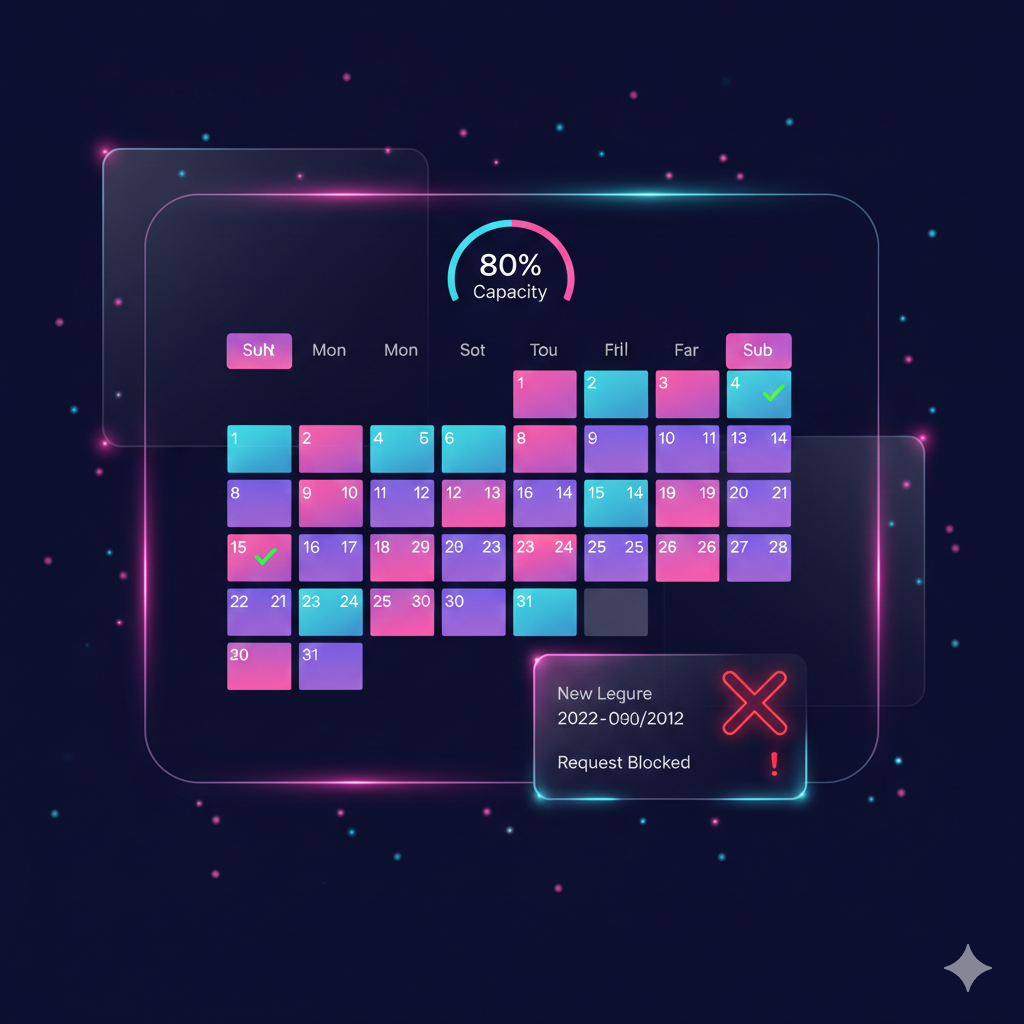
This article documents how to stop an employee from applying for leave when already 80% of their team have already booked the same date off. My brief was:
- Check the department this employee belongs to
- Search for employees of the same department (team members) who have booked the same days off (ie count holiday clashes)
- Prevent an employee for applying for leave if over 80% of the department have already booked the requested dates off.
In other words, if there are 10 people in a department/team, and 8 people have booked tomorrow off, prevent a 9th team member booking tomorrow off.
Why?
I've written this article as it took a while to achieve. The Zoho People application and its API are documented but there are problems with the documentation at the time that this article was written. One is that there are 2 sets of documentation and the other is that the majority of the documentation doesn't refer to OAuth 2.0/json and instead uses the deprecated authtoken v1 and XML.
How?
The trick in this solution was more about the process and what that process was.