What?
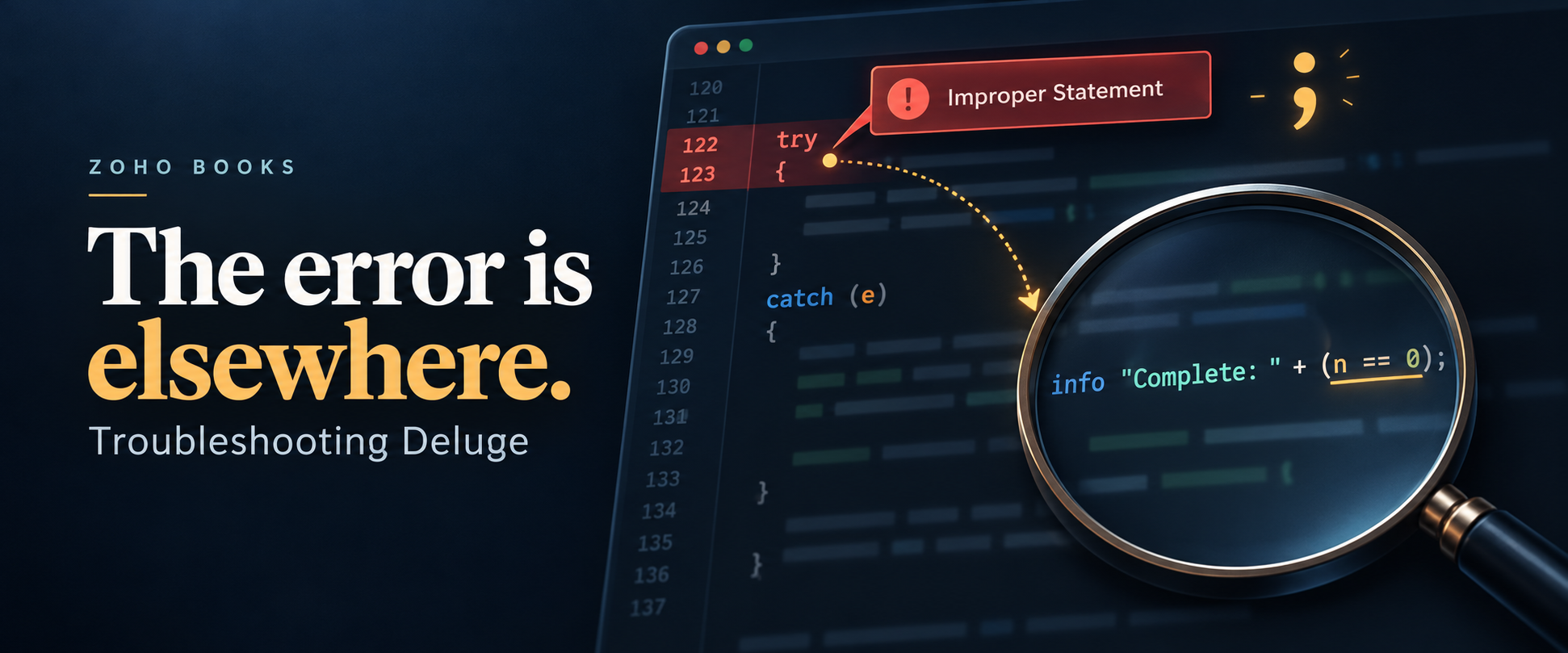
A quick article on a misleading error when saving a Deluge custom function in Zoho Books:
Check and update the code in line 122 as there is a Exception :
Error at line :124 Improper Statement
Error might be due to missing ';' at end of the line
or incomplete expression
Another variation encountered during troubleshooting was:
Expecting ';', Found 'if'Why?
In my case, the reported line pointed to the end of an invokeUrl block. There was already a semicolon; but adding a second semi-colon let the parser continue... however in the end the function still would not save... the error is elsewhere.
The problem was elsewhere inside the block. The reported line is a starting point for investigating, rather than necessarily the line which needs changing.
I also questioned whether nested try/catch statements were supported. They somewhat are but it's better to avoid them; nesting alone wasn't the explanation for this error.
How?
Check the statements inside the affected block, particularly invokeurl calls and any complicated info expressions involving concatenation without parenthesis for forcing the order of precedence. For example
info v_MyString + (l_Allocations.size() + 1);As part of simplifying this Books function, remove detailed:true from any invokeurl call where you don't need the HTTP status and response headers.
This is a troubleshooting step, not a claim that detailed:true is invalid Deluge syntax. Zoho documents it as an optional parameter. Removing it also changes how you read the response: you receive the response content directly, rather than the wrapper containing responseText, responseCode and responseHeader. Update the subsequent parsing accordingly.
Next, clean up any info statements which combine text with comparisons or other complex expressions. For example:
info "Allocation complete: " + (if(l_AllocationIssues.size() == 0,true,false));Move the comparison into a separate statement:
v_AllocationComplete = false;
if(l_AllocationIssues.size() == 0)
{
    v_AllocationComplete = true;
}
info "Allocation complete: " + v_AllocationComplete;
For debugging, you can simplify the output further:
info "Allocation issues:";
info l_AllocationIssues;
Check that each invokeurl block ends with the normal ];, then validate after each change.
If Zoho highlights a perfectly ordinary try statement or opening brace, inspect the code within that block. A logging expression much further down can leave you hunting for a missing semicolon at entirely the wrong line.
Discussion
Comments
Questions, corrections and useful additions are reviewed before appearing here.
Discussion Newest first
No comments yet. Start the discussion.