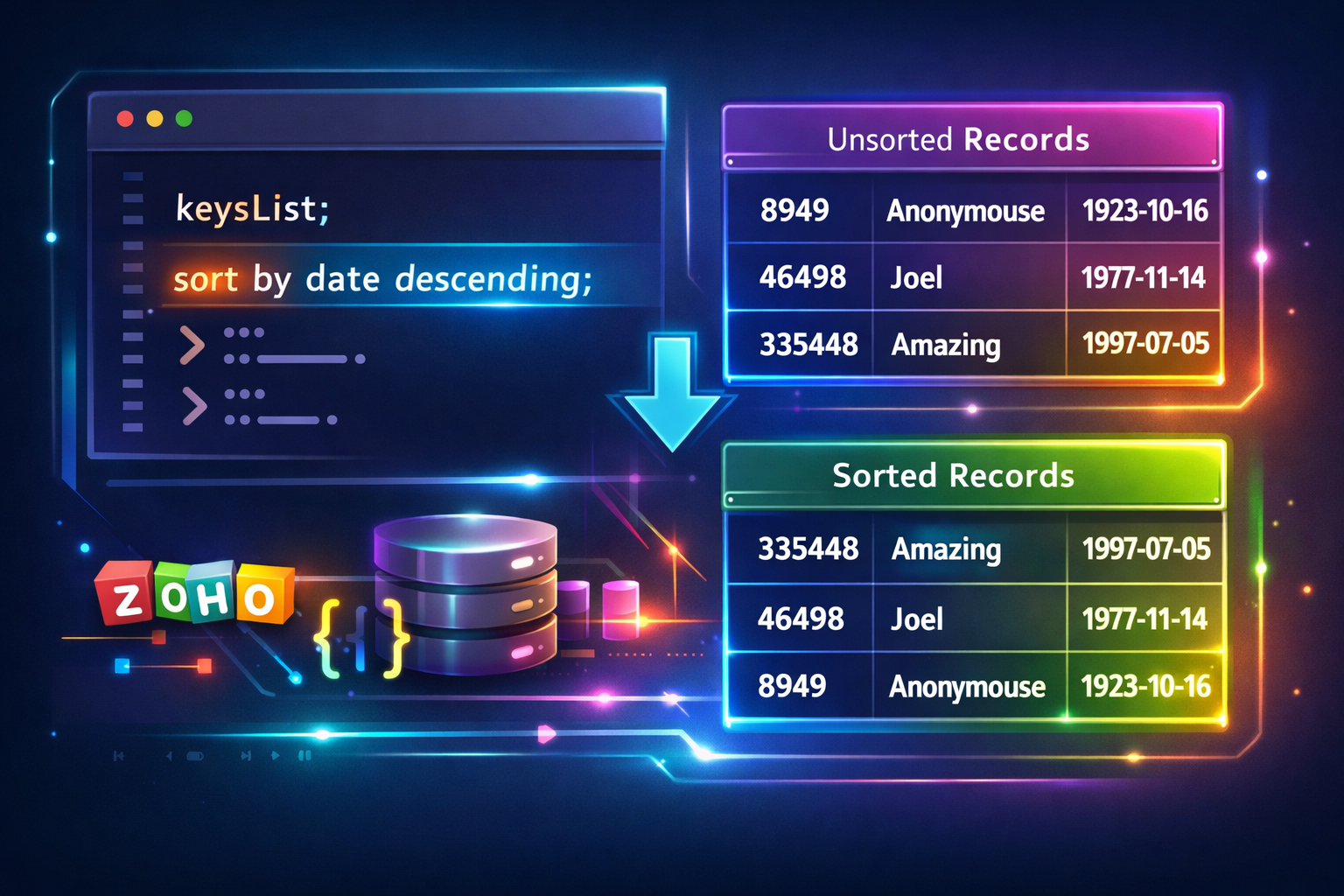
This is a quick article to template some code to me on sorting a map variable in Zoho Deluge, specifically Zoho Creator.
Why?
I do this a lot but in the following example, I want to sort a list of records by their date in descending order. Yes this functionality exists in reports but I want to do it in code so as to display it in a HTML table.
What I have:
id      name        date
---------------------------------------------
46498   Joel        1977-11-14T12:30:00+00:00
8949    Anonymouse  1923-10-16T15:00:00+00:00
335448 Amazing 1997-07-05T23:15:00+00:00id name date
---------------------------------------------
335448 Amazing 1997-07-05T23:15:00+00:00
46498 Joel 1977-11-14T12:30:00+00:00
8949 Anonymouse 1923-10-16T15:00:00+00:00How?
So to give you a gist of what the following snippet of code is doing, let me give an overview:
- Build up a map with sample data (you won't need to this, use your own data, this one is for this demonstration only)
- Initialize a list to hold the keys which we will use to sort in ascending/descending order and a map created to hold all the records.
- Loop through the sample map to create the new map we can sort as well as to add keys to the list declared previously.
- Sort the list of keys in ascending/descending order.
- Loop through the list of keys, retrieving each record
//
// build up sample map in random order
l_MyListUnsorted = List:Map();
m_Record = Map();
m_Record.put("name","Joel");
m_Record.put("id",46498);
m_Record.put("date","1977-11-14T12:30:00+00:00");
l_MyListUnsorted.add(m_Record);
m_Record = Map();
m_Record.put("name","Anonymouse");
m_Record.put("id",8949);
m_Record.put("date","1923-10-16T15:00:00+00:00");
l_MyListUnsorted.add(m_Record);
m_Record = Map();
m_Record.put("name","Amazing");
m_Record.put("id",335448);
m_Record.put("date","1997-07-05T23:15:00+00:00");
l_MyListUnsorted.add(m_Record);
//
// init
l_SortingKeys = List();
m_UnsortedRecords = Map();
//
for each r_Record in l_MyListUnsorted
{
	// field we want to sort by
	v_SortingKey = ifnull(r_Record.get("date"),"");
	if(!isNull(v_SortingKey))
	{
		// as this is a date from CRM (atomic date format), arrange so it can be sorted alphabetically in reverse order
		v_DatePart = v_SortingKey.getPrefix("T").toDate().toString("yyyy-MM-dd");
		v_TimePart = v_SortingKey.getSuffix("T").getPrefix("+").subString(0,5);
		v_SqlDateTime = v_DatePart + " " + v_TimePart;
		l_SortingKeys.add(v_SqlDateTime);
		m_UnsortedRecords.put(v_SqlDateTime, r_Record);
	}
}
//
// now sort list in descending order and action each record
l_SortedKeysDesc = l_SortingKeys.sort(false);
for each v_SortKey in l_SortedKeysDesc
{
	m_ThisRecord = m_UnsortedRecords.get(v_SortKey);
	info m_ThisRecord;
}
Recap
The original sample data l_MyListUnsorted looks something like this in a JSON parser:
[
  {
    "name": "Joel",
    "id": 46498,
    "date": "1977-11-14T12:30:00+00:00"
  },
  {
    "name": "Anonymouse",
    "id": 8949,
    "date": "1923-10-16T15:00:00+00:00"
  },
  {
    "name": "Amazing",
    "id": 335448,
    "date": "1997-07-05T23:15:00+00:00"
  }
]
The newly generated map m_UnsortedRecords looks something like this in a JSON parser:
{
  "1977-11-14 12:30": {
    "name": "Joel",
    "id": 46498,
    "date": "1977-11-14T12:30:00+00:00"
  },
  "1923-10-16 15:00": {
    "name": "Anonymouse",
    "id": 8949,
    "date": "1923-10-16T15:00:00+00:00"
  },
  "1997-07-05 23:15": {
    "name": "Amazing",
    "id": 335448,
    "date": "1997-07-05T23:15:00+00:00"
  }
}
The list of keys looks like this:
1997-07-05 23:15,
1977-11-14 12:30,
1923-10-16 15:00
This above snippet of code, loops through the sorted list of keys and retrieves each record as follows:
{"name":"Amazing","id":335448,"date":"1997-07-05T23:15:00+00:00"}
{"name":"Joel","id":46498,"date":"1977-11-14T12:30:00+00:00"}
{"name":"Anonymouse","id":8949,"date":"1923-10-16T15:00:00+00:00"}
Discussion
Comments
Questions, corrections and useful additions are reviewed before appearing here.
Discussion Newest first
No comments yet. Start the discussion.