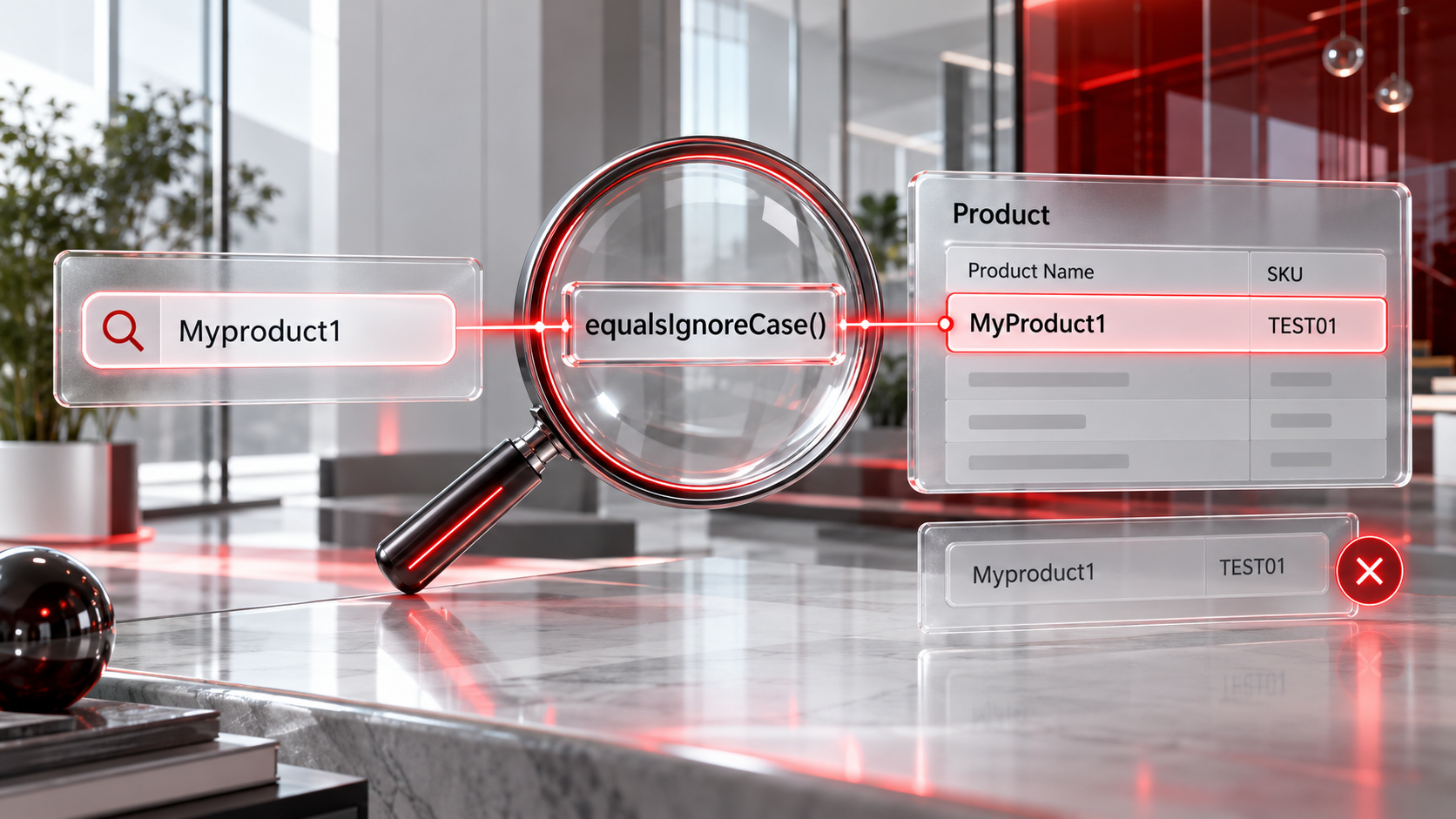
Thought I'd put an article here to remind me how to make the retrieval of a record case-insensitive.
Why?
Consider that I have the following creator table:
Product_Name   Product_SKU
-------------- -------------
MyProduct1     TEST01
Myproduct2     TEST02
myproduct3     TEST03
I'm trying to insert a record for a new product if it doesn't exist in the table but if it does exist then to simply skip adding the product.
v_Name = "Myproduct1";  // note the lowercase P
l_ProductDetails = Product[Product_Name == v_Name];
b_Exists = if(l_ProductDetails.count() > 0, true, false);
if(!b_Exists)
{
	// insert into Product table
	r_ProductCreate = insert into Product
	[
		Product_Name=v_Name
		Added_User=zoho.loginuser
	];
	v_ProductID = r_ProductCreate.ID;
}
else
{
	// DON'T insert into Product table
	v_ProductID = l_ProductDetails.ID;
}
What Happens:
- In the example above, the count to see if "Myproduct1" exists counts as zero (0). It doesn't think the product exists because it is searching with case-sensitivity enabled.
- It tries to insert into the product table, but returns the error "Result: Error on Execution" > "Error details: Execution Failed Due to invalid expressions insert statement is terminated Line:(99)" > "Duplicate entry 'MyProduct1' for key 'Product_Name' Line:(99)".
How?
Attempt 1 to lowercase both sides of the operation in the record retrieval also fails:
...
l_ProductDetails = Product[Product_Name.toLowerCase() = v_Name.toLowerCase()];
...There used to be an old solution for doing this and can still be found in the community forums from a 7 year old post; but now you can apply a containsIgnoreCase function to search the records:
...
l_ProductDetails = Product[Product_Name.containsIgnoreCase(v_Name)];
...
Lastly, there is a function I find myself using more and more called equalsIgnoreCase() which could be used:
...
l_ProductDetails = Product[Product_Name.equalsIgnoreCase(v_Name)];
...
Other Functions of Interest
- contains case-sensitive search, can be used on strings or lists
- containsIgnoreCase case-insensitive search
- endsWith
- endsWithIgnoreCase
- equals
- equalsIgnoreCase
- matches
- notContains though I tend to use !myVar.contains()
- startsWith
- startsWithIgnoreCase used in fuzzy logic searches to broaden the resultset
- containKey Applies to maps only
- containValue Applies to maps only
Source(s):
Discussion
Comments
Questions, corrections and useful additions are reviewed before appearing here.
Discussion Newest first
No comments yet. Start the discussion.