


Zoho Finance Suite Schedule: PATTERN NOT MATCHED
- Category: Zoho Books
- Hits: 13492
A super quick article on resolving this issue if it ever appears again.
Why?
At time of print, this error was happening to schedules in Zoho Books, Zoho Inventory, and Zoho Subscriptions. Unless you can monitor when these type of schedules are failing, you won't see this error until you go in and try to save it again.
How?
The super quick answer is remove any spaces from the name of the schedule.

Zoho Books/Inventory: Trigger a workflow when an invoice has been paid
- Category: Zoho Books
- Hits: 51633
An article on something that has taken me several days to get working: Get Zoho Books or Zoho Inventory that when an invoice is marked as paid, update 2 custom fields with the Payment Method, and the Payment Date.
Why?
This was requested by a customer and the problem happened in that the workflow would simply not trigger when the invoice was paid. The customer had added 3 custom fields: Payment Method, Payment Date, and Last Four Digits. They needed these because sometimes their customers needed to know what card they had paid with (if paid by card). The customer wanted payment method and payment date to appear on the invoice.
How?
This sounds rather straightforward, write a function that given an invoice, checks the customer payments and updates the custom fields. Executing the function this worked as expected. Now put it on a workflow where the settings were:
- When an invoice is "Created or Edited"
- Execute the workflow when "When any field is updated"
- Filter the triggers when Status is "Paid"
- Just once or every time is "Everytime"
- Actions is a custom function called "fn_invoice_updatepaymentmethod"

Zoho Books: Display Sales Order Shipping Address on Package Slip
- Category: Zoho Books
- Hits: 26770
I probably won't forget this but just in case I do, this is an article to explain how I got the shipping address from a sales order in Zoho Books into the template of the Package Slips.
Why?
It took me a while of playing about with the placeholder reference fields in the template before Zoho advised on a 'hidden' away setting which was key to changing what these display.
What I had:
${CONTACT.CONTACT_DISPLAYNAME}
${CONTACT.CONTACT_ADDRESS}
${CONTACT.CONTACT_CITY}
${CONTACT.CONTACT_CODE} ${CONTACT.CONTACT_STATE}
${CONTACT.CONTACT_COUNTRY}
and in my Sales Order:
BILLING ADDRESS          SHIPPING ADDRESS
-------------------      -------------------
Test Company             Joels PO Box
1 Test Street            1 Different Street
Test City                Another City
Test State Test Zip      Another State Another PostCode
Test Country             A different Country
But the packing slip would display the Ship to address as the same as the billing address... Or more specifically, the primary contact, company, address and phone from the customer record and not from the sales order change.
How?
The key is a setting you need to change by going to Settings > Preferences > Packing Slip Settings > and Enable "Delivery To":
Zoho CRM & Zoho Books: Get Books Currency and Tax IDs
- Category: Zoho Books
- Hits: 27562
A quick note for when I want to quickly generate maps of a currency or a tax from a client's Zoho Books.
Why?
The use-case here is that we are creating a Sales Order in Zoho Books from Zoho CRM and want to map the correct currency and tax by their ID numbers.
How?
Using the REST API and InvokeURL in Zoho Deluge to look at Zoho Books. This uses up an extra 2 calls so you could run them once, store them as a map on your function if you don't want to use up these 2 every time your sales team push a CRM Sales Order to Zoho Books.
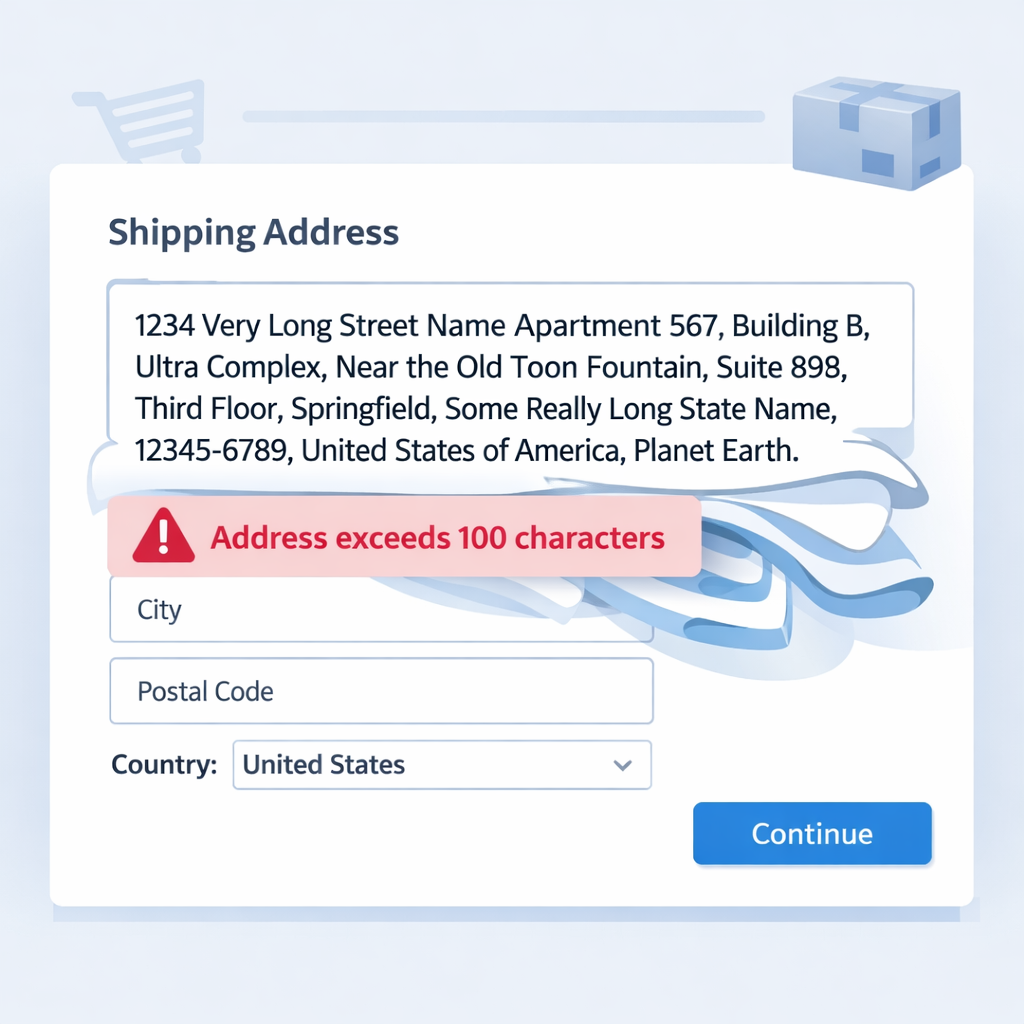
ZohoCRM to ZohoBooks: Please ensure that the shipping_address has less than 100 characters.
- Category: Zoho Books
- Hits: 39799
An article to note something I didn't realize I needed: How to address the above error and how to update a Shipping Address for a specific Sales Order in Zoho Books.
Why?
You might think the following request to create a Sales Order in Zoho Books would be enough:
{
  "date": "2021-09-08",
  "zcrm_potential_id": "123456789012345678",
  "currency_code": "GBP",
  "reference_number": "Salespersons Test Reference",
  "terms": "These are our test terms and conditions",
  "customer_id": "234567890123456789",
  "payment_terms": 30,
  "salesperson_id": "345678901234567890",
  "line_items": [
    {
      "item_id": "456789012345678901",
      "discount": 0,
      "quantity": 1,
      "description": "A test product description"
    }
  ],
  "shipping_address": {
    "address": "Test Street",
    "street2": "Test Street 2",
    "city": "Test City",
    "state": "Test State",
    "zip": "Test Postal Code",
    "country": "Test Country"
  }
}
However, if you try forcing the billing or shipping address in you should get the following error:
Please ensure that the shipping_address has less than 100 characters.
How?
If you get the above error, the community forums will advise you to get the ID of the Shipping Address...

Zoho CRM & Zoho Books: Get SalesPersons
- Category: Zoho Books
- Hits: 22548
An article so that I don't spend so long in trying to find sales persons in Zoho Books.
Why?
My use case is that I want to create a Sales Order in ZohoBooks based on one in ZohoCRM and wanted to assign the sales person.
How?
So after an hour or so trying to get the Zoho.books.getRecords() function to filter the sales persons, I gave up and used a for each loop instead.

Zoho CRM & Zoho Books: Custom Related Lists Deluge
- Category: Zoho Books
- Hits: 43502
This is an article to quickly demo a couple of snippets of code to display values in a custom related list as well as to display empty custom related lists.
Why?
Because I keep forgetting how to do this and it takes about an hour to go through the documentation and get a working solution.
How?
So the article below shows how to do this Zoho CRM and how to do it in Zoho Books...
Zoho Creator: Download uploaded file and attach to Sales Order in Zoho Books
- Category: Zoho Books
- Hits: 101818
This is an article to document how to use Zoho Deluge to download a file that was uploaded into a Zoho Creator form and then to attach it to a Sales Order in Zoho Books.
Why?
Because it took me so long to find out how to do this even after reading the official documentation and going through the online discussion forums to build this solution. As of May 2020, this is how I do it.
How?
So the trick is, go over the official documentation, but don't take it as gospel. You only really need the syntax for attaching a document to a Sales Order in Books and the documentation leaves certain bits out. Just getting the syntax right and using the . setParamName is key.