

Crystal Reports: Exporting to Excel omits column headers
- Category: Excel
- Hits: 45231
If you've been to the point where you're exporting a report to Excel, and only some of the column headers appear, then try this:
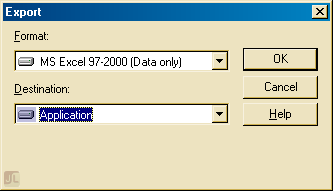
I googled this for ages and found different suggestions here and there but none of them produced consistent results. One solution was to untick "Simplify page headers" on the Excel Format Options when you export the report. Because our report is exported via a web-based system, this extra dialog doesn't appear when our users export their reports. Not that it solved it as only some different headers appeared on the exported report when we followed that suggestion.
Consider the following report in design view, only the circled headings would appear on the exported report:
