

ZohoCRM & Xero: Function to pull most recent quotes
- Category: Zoho CRM
- Hits: 44987
A follow-on article from my previous article ZohoCRM & Xero: Function to pull most recent invoices - along with their Contacts and Items (accounts/contact & products respectively).
Why?
This took me so much longer than I thought it would. It was meant to be based on the pull from invoices article I wrote earlier but with quotes from Xero, things panned out differently:
- Date/Time values don't include a timezone
- Issues with tax rates meant replicating a tax list copy from Xero to Zoho
- the Client doesn't use the Items module in Xero and instead puts the product name in the description field
How?
Because my head is a little fried, I'm putting the two functions I used here and I'll document further if I remember. Note that the pre-amble is to generate a Xero access token which I documented in another article - it's behind a userwall because I usually charge for my Xero integration to Zoho CRM but user registration is free; you need to click on "Account" at the top of my website then login, then search for Xero.
ZohoCRM & Xero: Function to pull most recent invoices
- Category: Zoho CRM
- Hits: 43421
Thought I already had an article on this and I know my article Zoho Deluge - Connect to Xero API covered a quick query to pull some invoices but this one documents a pull and mapping into CRM invoices.
Why?
This took me a whole afternoon so I wanted a template function I could use in future when I get this request again. The additional benefit of having this template is that it includes creating contacts, accounts, and products on-the-fly as well as recording payments and checks as to which record is more up to date between ZohoCRM and Xero.
How?
The access token is generated by a function documented in my previously mentioned article Zoho Deluge - Connect to Xero API so here's the pull of the first page of invoices by most recent first (invoice date).
Zoho CRM Client Script: Map Quote to Invoice
- Category: Zoho CRM
- Hits: 35594
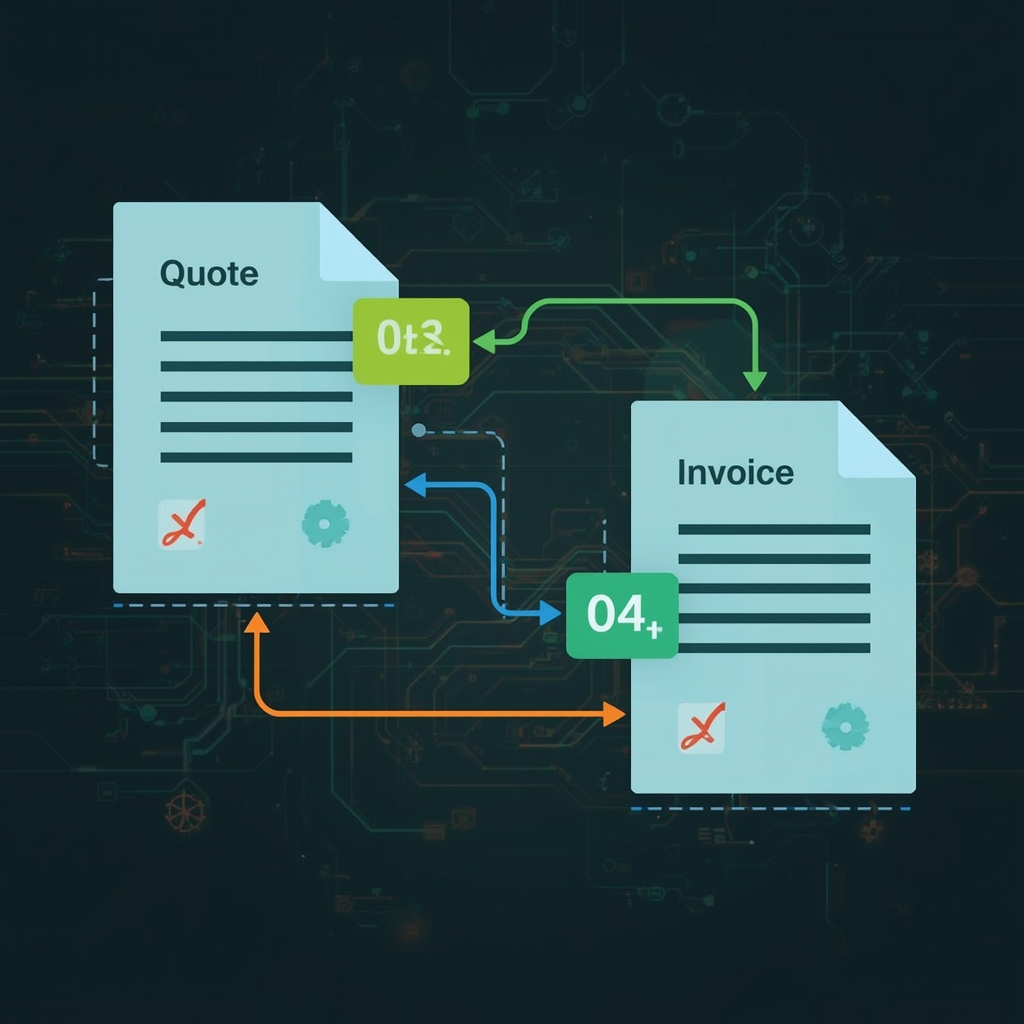
This is an article to apply an automation that when creating an invoice in CRM from a related quote, it maps in the fields.
Why?
The process should be that you go to the CRM quote record and click on "Convert" > then select "Invoice", and it should map the fields over. Great! But what if someone skips the process, in other words, goes to the quote record, and clicks on the plus icon next to "Invoices" in the left sidebar?
This script will map over the core fields, address, and line item. This took me a while to get the right syntax for writing to the invoice line items as well as setting the value of lookup fields so I thought it was worth an article and may help someone else (or even myself) in the future.
At time of print (9th October 2025), for some reason, if you click on the plus icon next to Sales Order (creates a new sales order) on the quote record, the fields auto-map. The client script below does the same for invoice as the quote lookup is a custom field on the invoice.
How?
First, we'll setup a client script specifying what triggers it (on load of the page when creating an invoice) then I'll just put the client script I used to map over all the applicable field values from the quote to the invoice within ZohoCRM.
Zoho Survey: Zoho CRM Webhook
- Category: Zoho CRM
- Hits: 25587
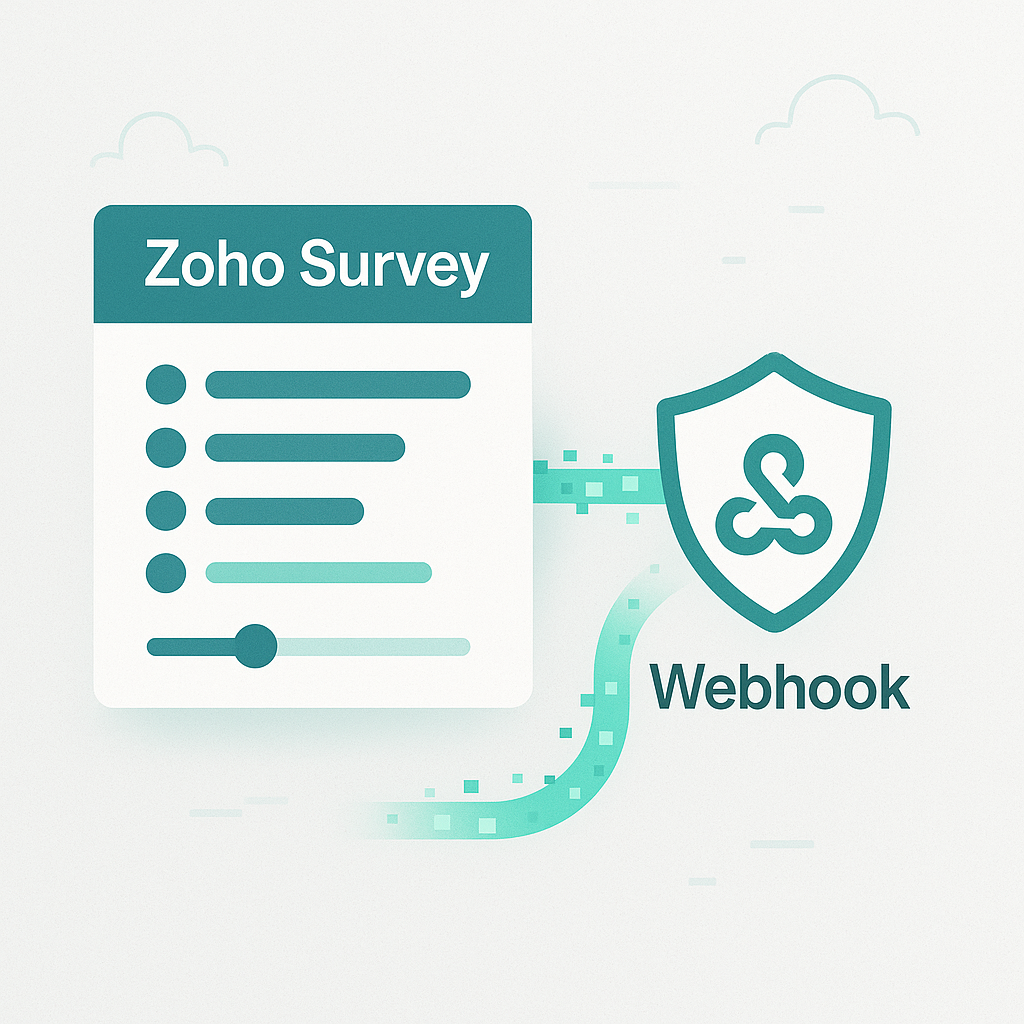
A separate article as a follow-on from my previous article in this series Zoho Survey & Zoho Analytics: Query to generate individual responses and grouped pages which may have grown a little but just wanted to record how to receive a Zoho Survey response in a Zoho CRM REST API function.
Why?
As above, didn't want to overload a single article with all the answers of one development but this one may be referred to separately. I want a Zoho Survey when submitted to be parsed by a Zoho CRM REST API function.
How?
First, I'll go through the steps of setting up the Zoho CRM function, we'll convert it to a REST API function which will give us a URL and then we'll configure the Zoho Survey to trigger a webhook when submitted.
Zoho CRM: JS Widget: Generic Script to pass the Record ID to a CRM function
- Category: Zoho CRM
- Hits: 50159
There's documentation out there but as this took me a couple of days to simply install a JS widget hosted by Zoho and pass the record ID via a button to it, I'm adding it here in case I need to refer to it in future.
Why?
We have an Accounts module which holds all the companies we deal with in our Zoho CRM. I want our sales team to be able to click on a button off the CRM account record which will call an API returning all the credit information about a company. Unfortunately, if you do this simply using Zoho Deluge in a button, there are no new lines/carriage returns or styling that you can apply, which pops up as a message box to the sales person; but all on one line and not that readable. Using a JS Widget, we can popup a window over the Zoho CRM which displays a more clear HTML & CSS styled message box.
How?
There are links to how to create a widget in detail which I'll link to at the bottom of this page. What follows are the quick steps to create a widget.html file and how to get whatever the Zoho Deluge CRM function returns.

ZohoCRM / Client Script / Canvas: Hide Tab based on Pipeline
- Category: Zoho CRM
- Hits: 39599
A quick article with snippets of code to hide and show certain tabs on a deal record based on the pipeline.
Why?
A request from a customer asked if a tab specific to the pipeline selected can be shown while others hidden. Standard tabs such as Notes, Attachments, Emails, and Timeline should remain.
Code will be needed as a layout rule couldn't control the tabs on a canvas view page. An additional function is needed as the pipeline was not displayed on the canvas view of the deal record but it was on the edit page.
How?
First we're going to add some element IDs to the canvas view page on each of the tabs. Then we'll make an OAuth function that can be executed by the client script which returns the value of the Pipeline given a deal record ID. Finally, we'll have client script execute this function, then show/hide tabs based on the value.

ZohoCRM Client Script: On Change of Dropdown: Subform Rewrite: REST Function
- Category: Zoho CRM
- Hits: 58235
An article on a client script used in CRM which is a working example of rewriting a subform (line items of an invoice) and calls a REST API fuction to return the custom fields of the line items. Pretty much a function which took me a day to write.
Why?
As mentioned, it took me a while to write and I would like to use it as a reference for when I forget how to do this.
The use-case here is that we have a dropdown/picklist on a CRM invoice record that has the options of "Deposit" and "Final Balance". This rewrites the invoice line items to represent a deposit or a final balance invoice with the deposit deducted. Because these line items have custom fields, we need to copy over all the custom values to the new line items.
How?
This is about an hour's work doing it on a CRM workflow (save of record) but here we're going to do it in client script:

Zoho CRM: Remove Duplicate Product Records
- Category: Zoho CRM
- Hits: 38697
An article on removing duplicate products within ZohoCRM.
Why?
Product duplicates are a common issue during development, especially when we have products imported via a feed or API or simply by staff and their spreadsheets. There is a deduplication feature for leads and contacts but not for products.
How?
There may be a better way of doing this. What I'm trying to have is a generic function that will work on any CRM and possibly be quick to adapt to a module other than products.
This function will also try to delete the duplicate but if the duplicate is the one used in a transactional module record (eg. quotes, sales orders, invoices, purchase orders), then it will delete the older one (referred to as keep ID).
Another point is that this is using COQL to sort the records and tries to keep the first version of the record (sorted by ID ascending) and will attempt to delete the other records which match on product name.
I would recommend commenting out the delete commands and leaving the info commands to preview what records it will delete. I also recommend doing a data backup beforehand.