


Zoho Deluge: Search Records with Special Characters (COQL)
- Category: Zoho Deluge
- Hits: 73476
This is an article to remind me how to search for CRM records by a value that may contain an ampersand or parenthesis.
Why?
I wrote this article because some searches will work for me and sometimes it won't. Escaping the ampersand with a backslash or url encoding to %26 wasn't working for me. I spent several hours trying to write a script that could search for the existing records by company name. The issue is that if you use zoho.crm.searchRecords() this will work fine for company names without special characters such as the ampersand or parentheses. But what if amongst your records you may want to find:
Company Name: Father & Sons (Incorporated)
Contact Name: O'Reilly
How?
Well I've tried various replace methods with regular expressions but the only method reliable enough I have found to work each time is using the CRM Object Query Language or Zoho's COQL. Similar to SQL but subject to similar issues of escaping special characters...
Zoho Deluge: Setup an API Connection for InvokeURL
- Category: Zoho Deluge
- Hits: 78409
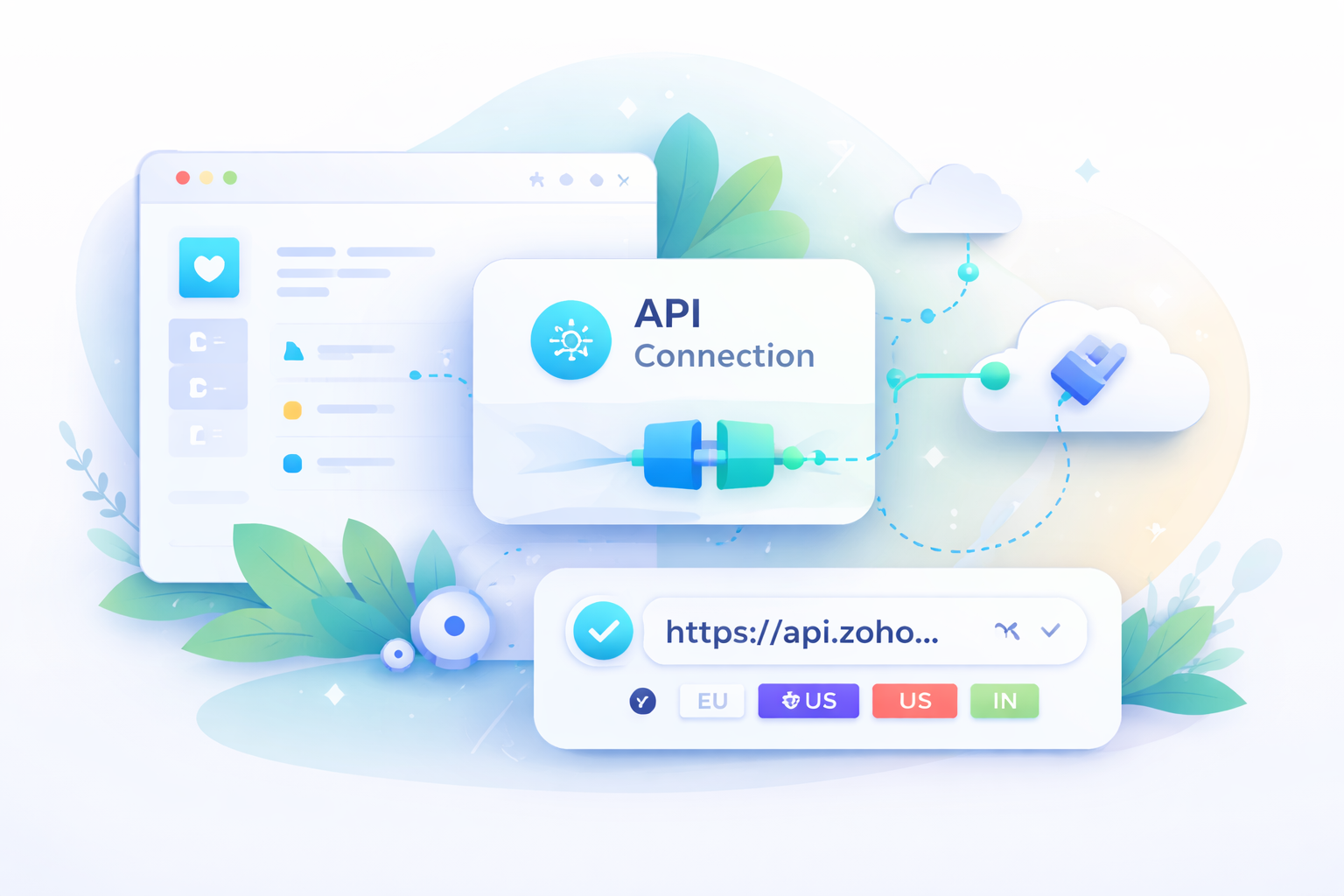
This is slightly different to my article Zoho Deluge: Get Refresh/Access Token API v2 (Zoho to Zoho service) and different to my Zoho CRM: APIv2 using PHP & cURL (3rd-Party to Zoho), in that this details how to setup a connection to use in an invoke URL statement. Specifically for Zoho Books, Subscriptions or Inventory.
Why?
Setting up a connection avoids the hassle of having to generate access/refresh tokens using OAuth2.0. Usually used with an invokeUrl:
response = invokeUrl
[
	url: "https://books.zoho.com/api/v3/estimates?organization_id=12346789"
	type: GET
	connection: "joelconnector"
];
How?
So in the following example, we are going to setup a connection in Zoho Books on an EU datacenter:
- First determine what datacenter your client is using
- Register the App
- Setup the Connector
Zoho Deluge: Get Image Uploaded in Creator Form
- Category: Zoho Deluge
- Hits: 43162
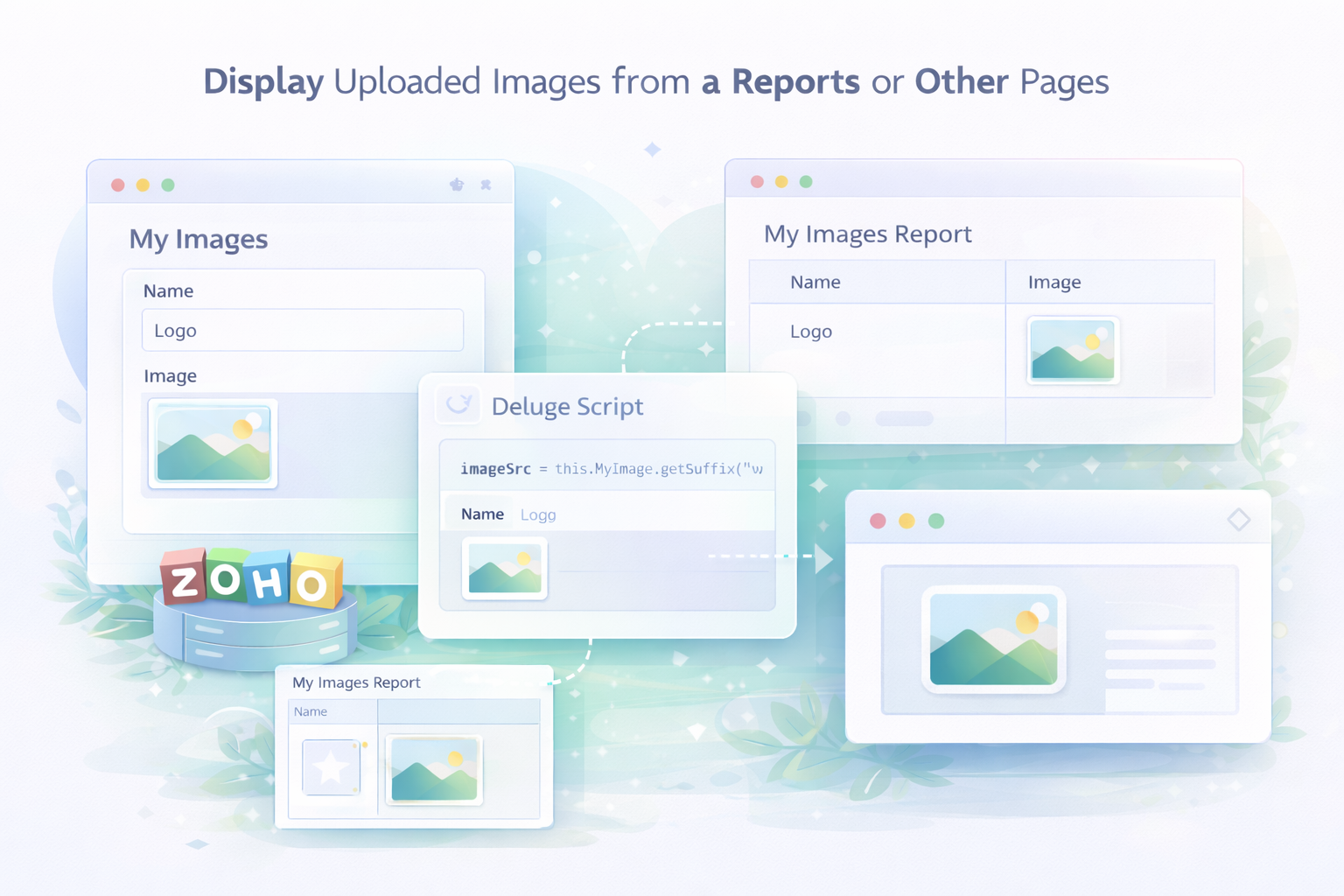
So this is an article to document the methods I use to get an image uploaded in a form to display in a report or on another page.
Why?
There might be different articles out there and discussion forums that do cover this but it takes me so long to find the solution with the right syntax.
How?
So I'm going to start with 1 method and then update this article with other methods.
Zoho Deluge: Convert Xero Date (Unix Timestamp) to Standard Date String
- Category: Zoho Deluge
- Hits: 66291
So this is a super quick note that I'll probably remember anyway but just in case, I'm writing this article so I don't spend time researching it later.
Why?
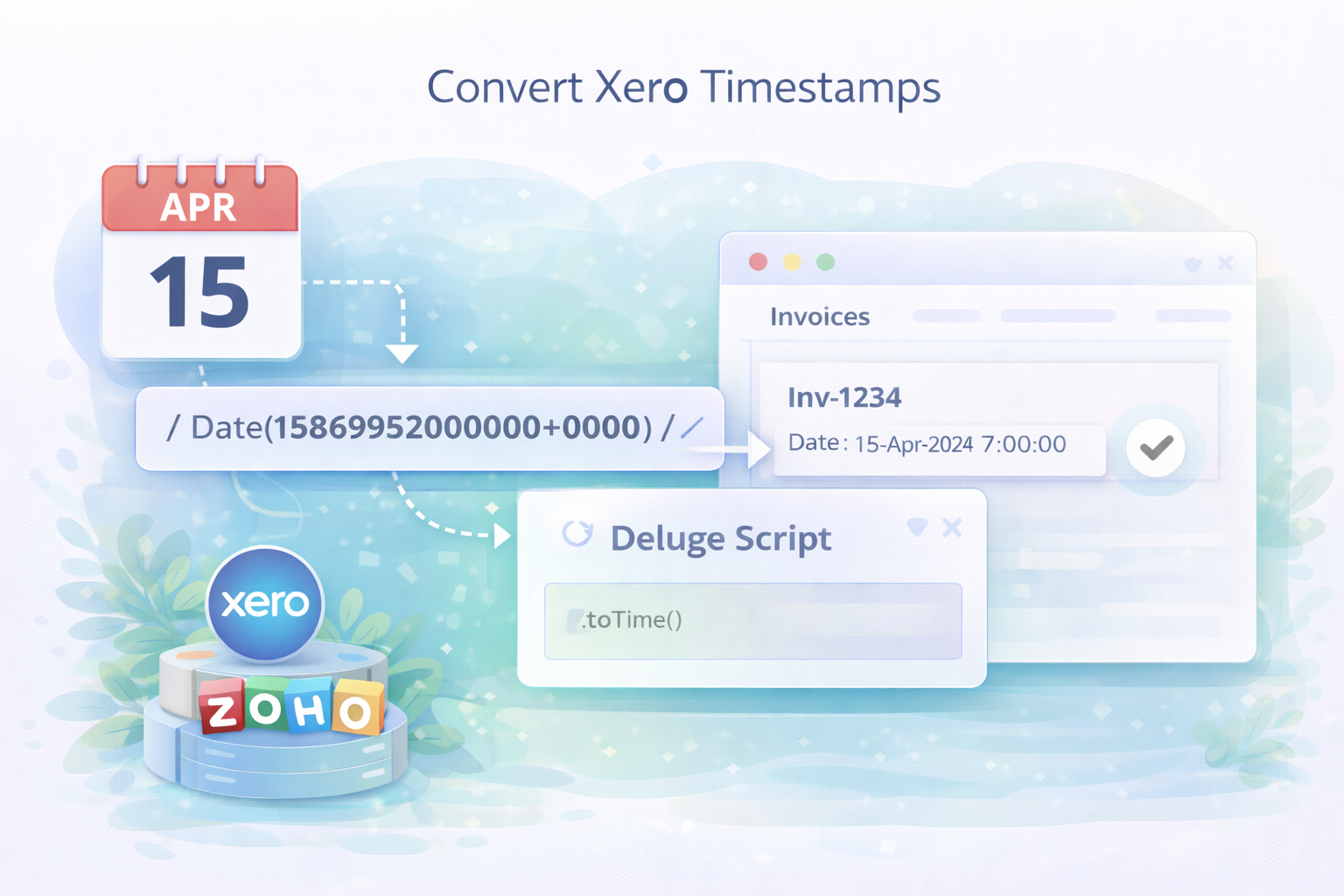
I'm synchronizing Xero Invoices with Zoho CRM Invoices and noticed that Xero stores its dates in Unix Timestamps.
How?
We're going to filter out the unix seconds from the date provided by Xero then apply a toTime() function to it.
Zoho Deluge: Push Multi-Select Picklist containing Commas from CRM to Creator
- Category: Zoho Deluge
- Hits: 32957
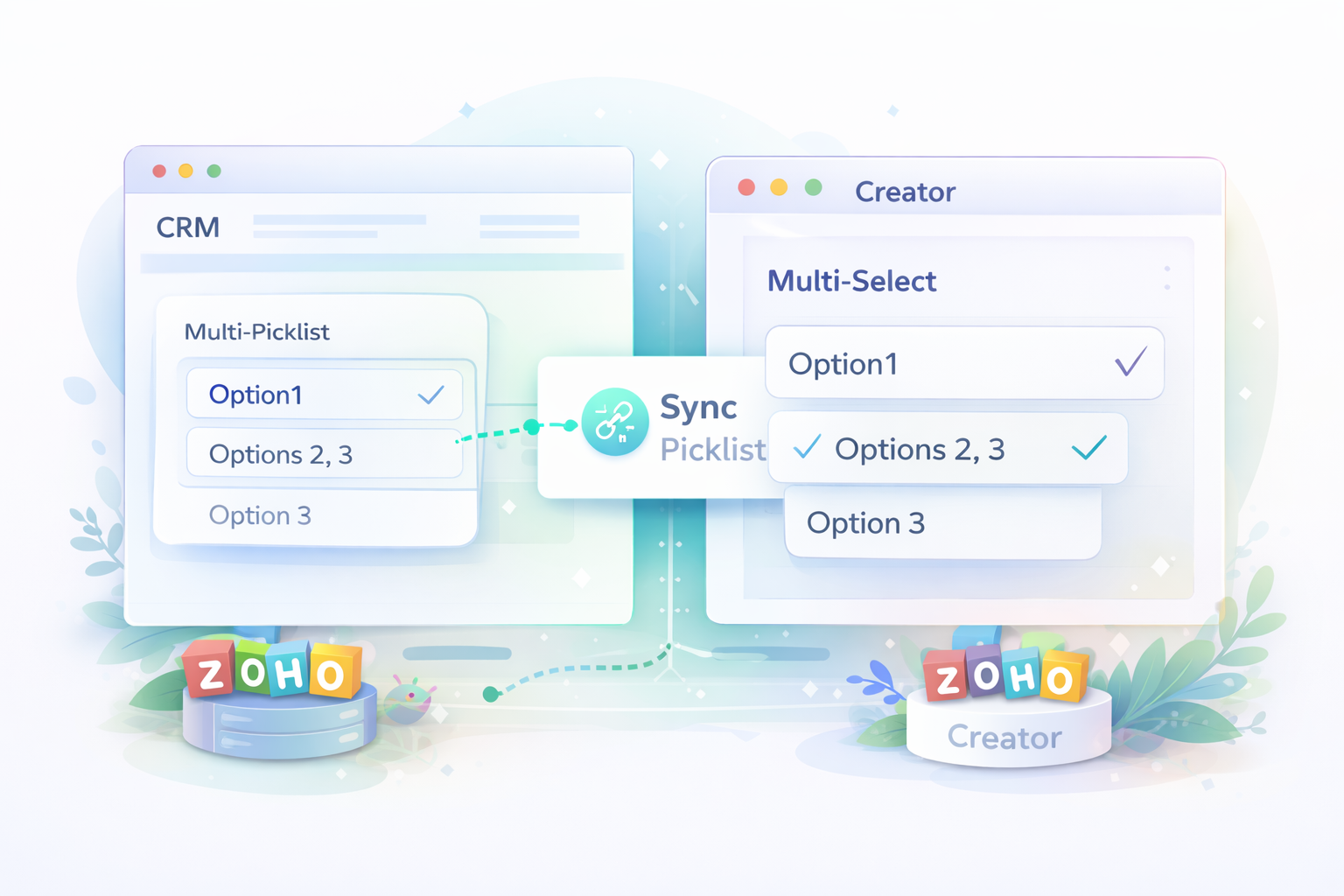
A very quick article on how to push a multi-select picklist from CRM to Creator.
Why?
We're trying to create a record in Creator off a button on the CRM Potential/Deal record. The CRM module has a multi-select picklist which will use commas to delimit but one of the options has a comma in its value.
// What I have in CRM:
{"My_MultiPicklist":["Option1","Options 2, 3"]}

// What Creator understands: FAILS
{"My_MultiPicklist":["["Option1","Options 2, 3"]"]}
With workaround .toString()
// What Creator understands: FAILS
{"My_MultiPicklist":["Option1","Options 2"," 3"]}
How?
So the way to push this value over to Creator is by converting the list to a string... notably comma delimited:
Zoho Deluge - Connect to Xero API
- Category: Zoho Deluge
- Hits: 15935
This is an article to document a standalone function which generates an access token from within Zoho CRM so you can access your Xero instance. There are 3rd-party API libraries and SDKs out there but as usual with financial technologies (fintech), I don't trust them. Here's how to do it in pure Deluge with a Zoho CRM custom function.
Why?
It is quite a common request so I'm using this article to refine a generic method of connecting to any client's Xero. The aim is to have a function that initializes a valid connection and then append code to do what we want to do in Xero such as synchronizing invoices or contacts.
How?
So the key thing to remember here is that a Refresh Token in Xero expires immediately after use. You use a Refresh Token to generate a new Access Token which can be reused over the next 30 minutes. In the response, you will also get a new Refresh Token which you should store away for later use when you want to generate a new Access Token.
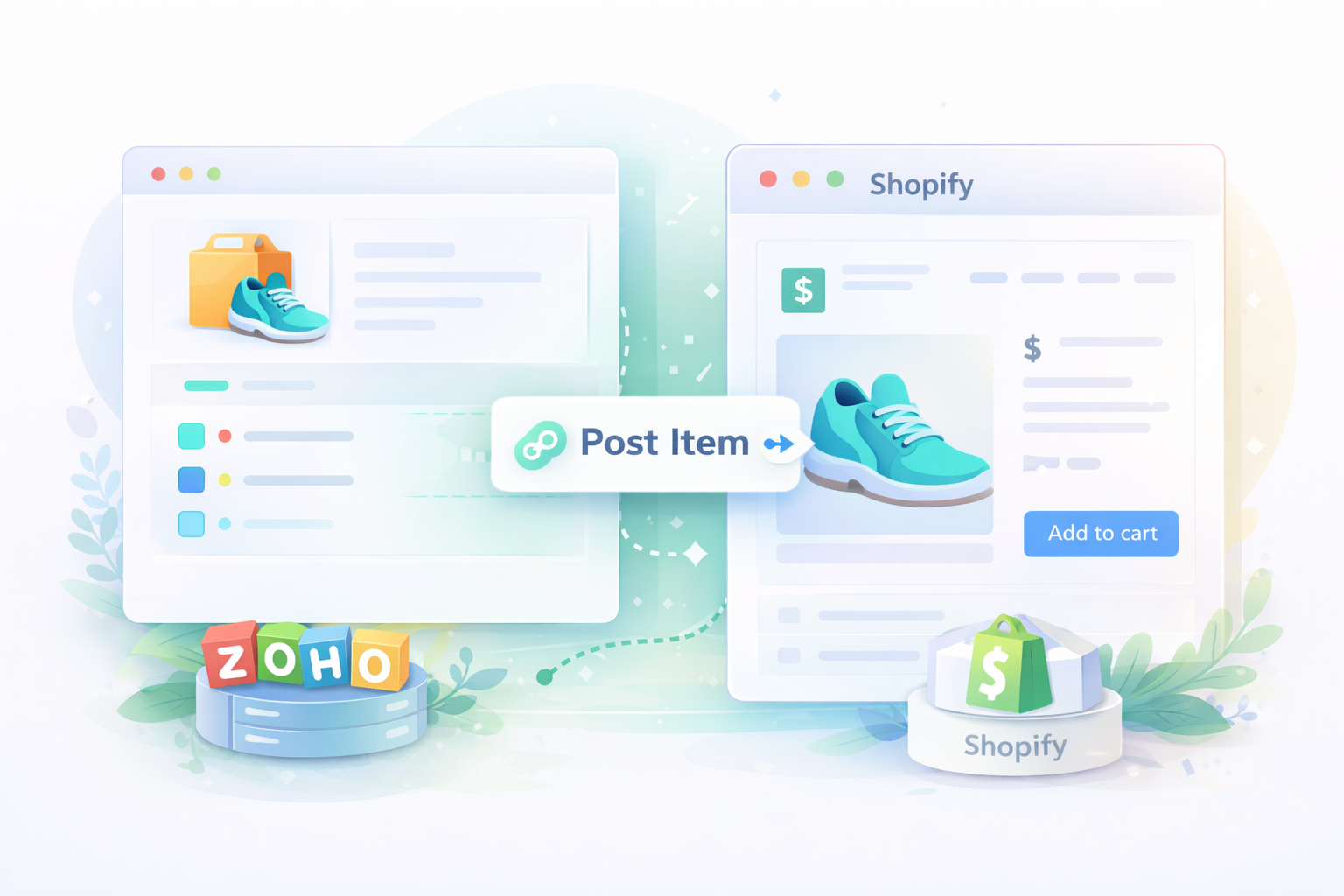
Zoho Deluge: Push Item to Shopify API
- Category: Zoho Deluge
- Hits: 4359
The following is a script template that I can quickly adapt for Zoho and Shopify integration. This will take an item from Zoho Inventory and post it to Shopify.
How?
Pretty quick to do in Zoho Deluge but first you need to go register the app in your client's Shopify store:
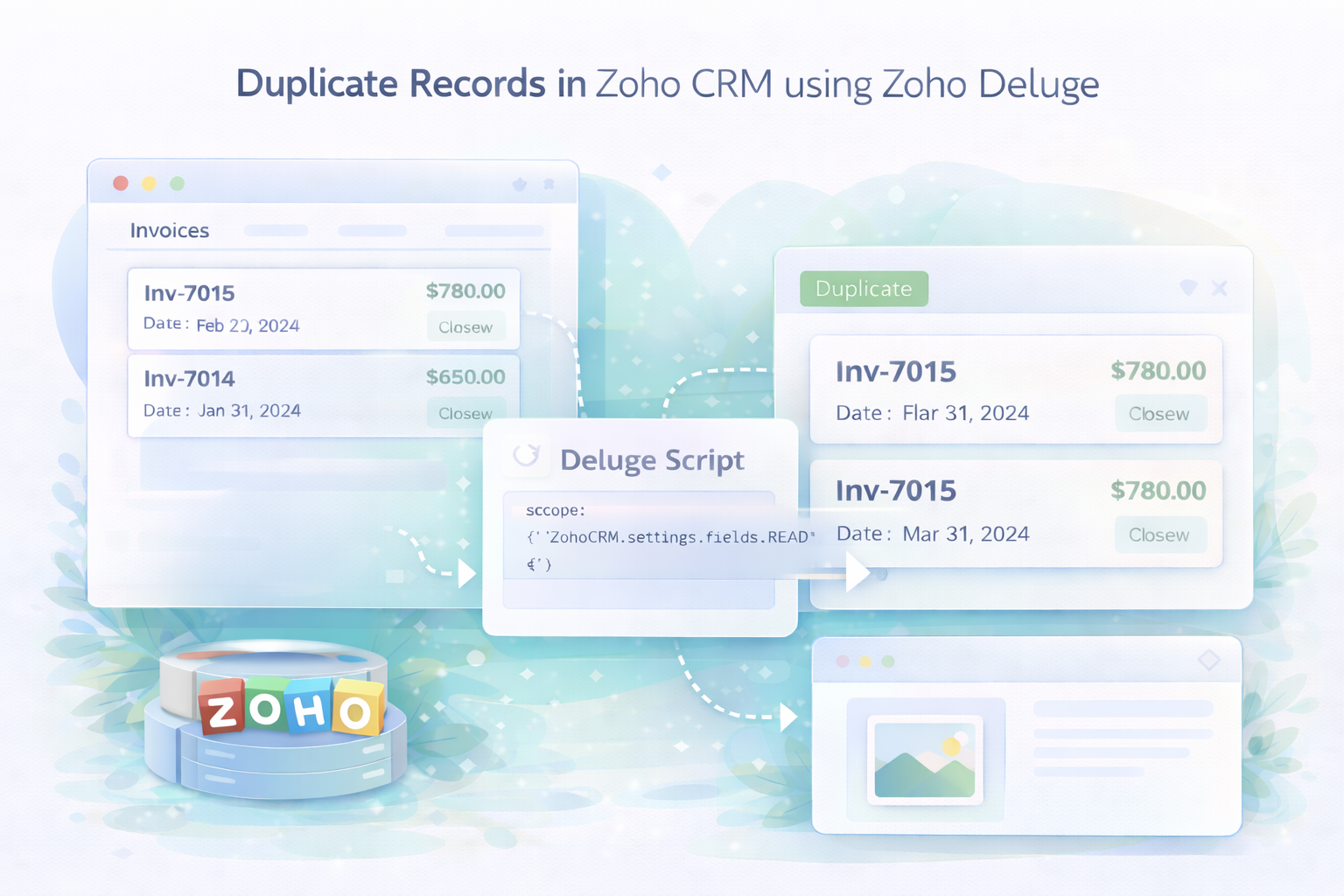
Zoho Deluge: Duplicate/Clone a Record
- Category: Zoho Deluge
- Hits: 49653
This is an article with the snippet of code required to duplicate or clone a record in Zoho CRM using Zoho Deluge.
Why?
The aim here is to have a scheduled task that on the 1st of every month, takes the invoices for the month before, and duplicates each one for the new month.
How?
First you have to get all the applicable fields from the settings API.
Recent Posts




Joes Word Cloud
Accreditation



Donate & Support
If you like my content, and would like to support this sharing site, feel free to donate using a method below:

 bc1qf6elrdxc968h0k673l2djc9wrpazhqtxw8qqp4
 0xb038962F3809b425D661EF5D22294Cf45E02FebF
Paypal:
Bitcoin:
bc1qf6elrdxc968h0k673l2djc9wrpazhqtxw8qqp4
Ethereum:
0xb038962F3809b425D661EF5D22294Cf45E02FebF
Credit where Credit is Due:
Feel free to copy, redistribute and share this information. All that we ask is that you attribute credit and possibly even a link back to this website as it really helps in our search engine rankings.
Disclaimer: Please note that the information provided on this website is intended for informational purposes only and does not represent a warranty. The opinions expressed are those of the author only. We recommend testing any solutions in a development environment before implementing them in production. The articles are based on our good faith efforts and were current at the time of writing, reflecting our practical experience in a commercial setting.
Thank you for visiting and, as always, we hope this website was of some use to you!
Kind Regards,
Joel Lipman
www.joellipman.com